

Keeping your account security, communication channels, and financial preferences up to date ensures your marketplace profile remains accurate and secure.
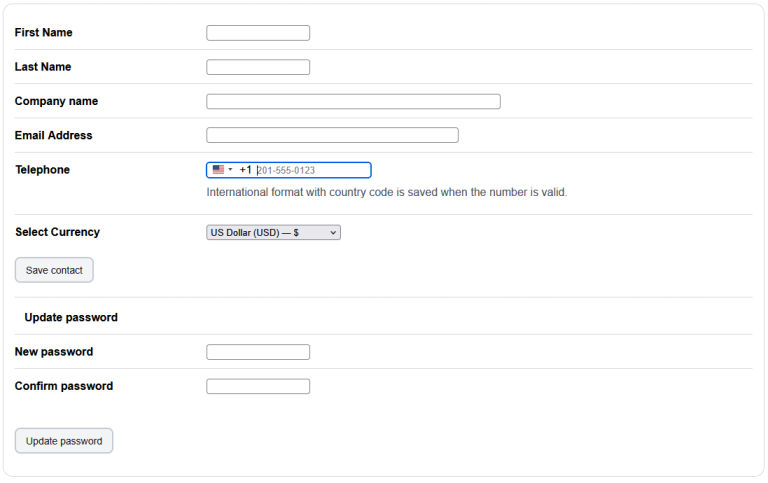
Step-by-Step Guide
- Navigate to Settings: Open your dashboard and click on the Account settings tab.
- Locate Your Details: Find the sections dedicated to your business identity, email routing, currency preferences, and security credentials.
- Save Changes: Enter your updated information and save your settings to apply the changes to your profile.
Form Field Reference
- Company Name: Enter your company name if you have one. Leaving this blank will default your listings to an individual seller profile.
- Email Address: Enter the email address where you want to receive account alerts, notifications, & direct communications regarding your domains. Note: If you are updating your email address, the system will not update it until you verify the new email address using the sent confirmation link.
- Select Currency: Select the currency you are selling your domains in.
- Update Password: Enter your new password and confirm it to update your account credentials.